LAB 3 – Open5GS + UERANSIM + Splunk Integration
~The pre‑configured AWS AMI for this lab is available to share. For details, see the About page.~
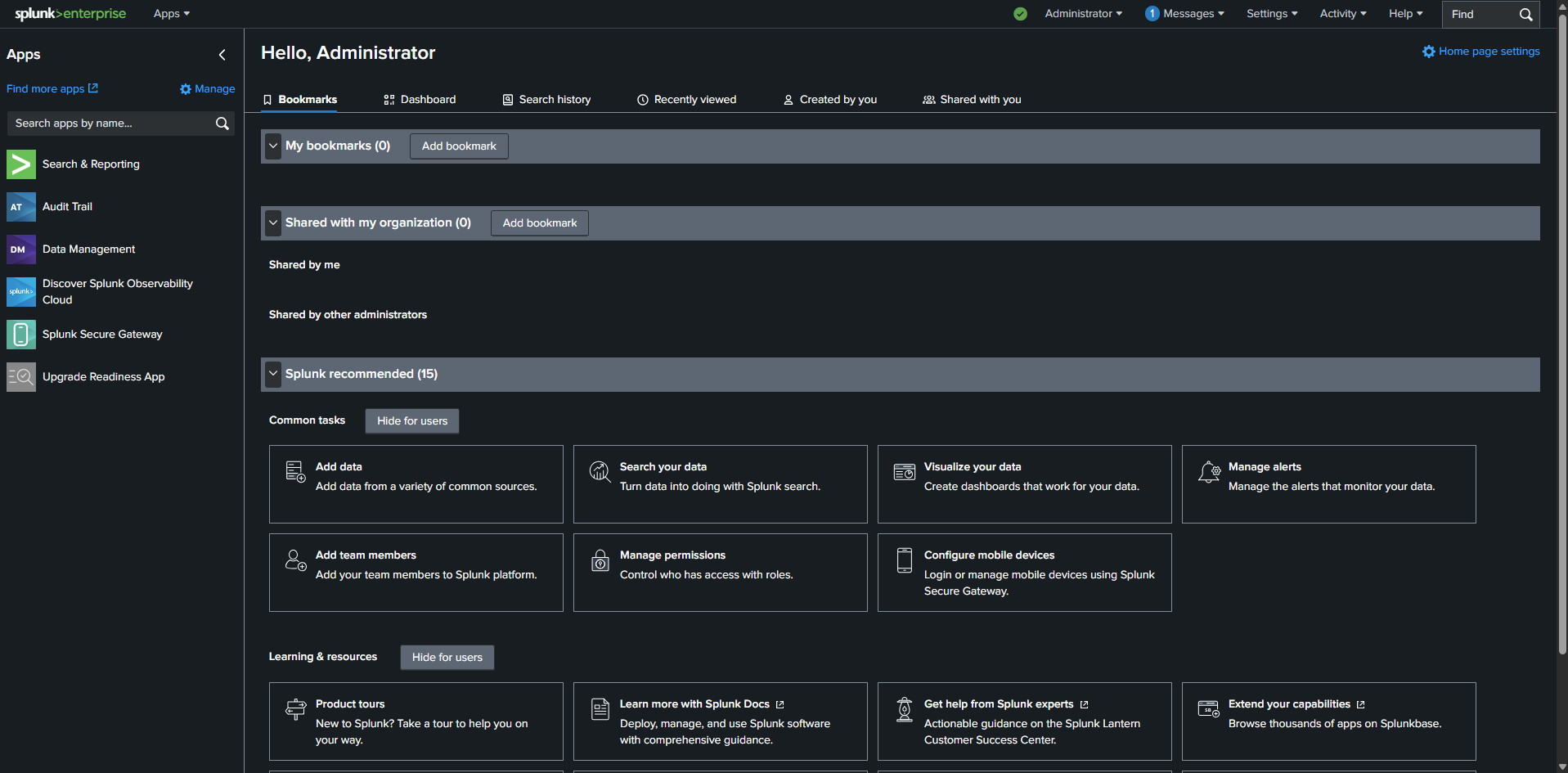
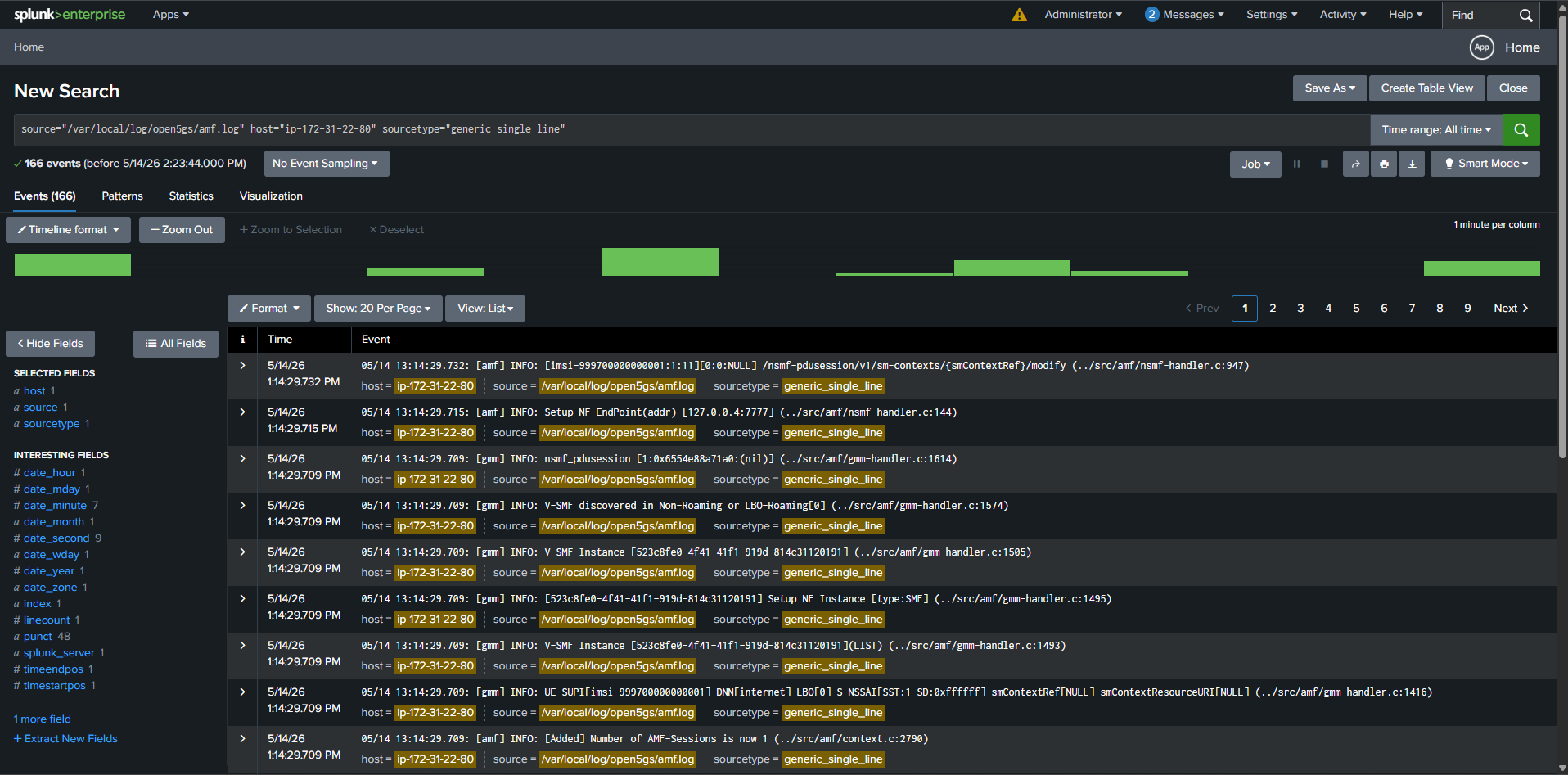
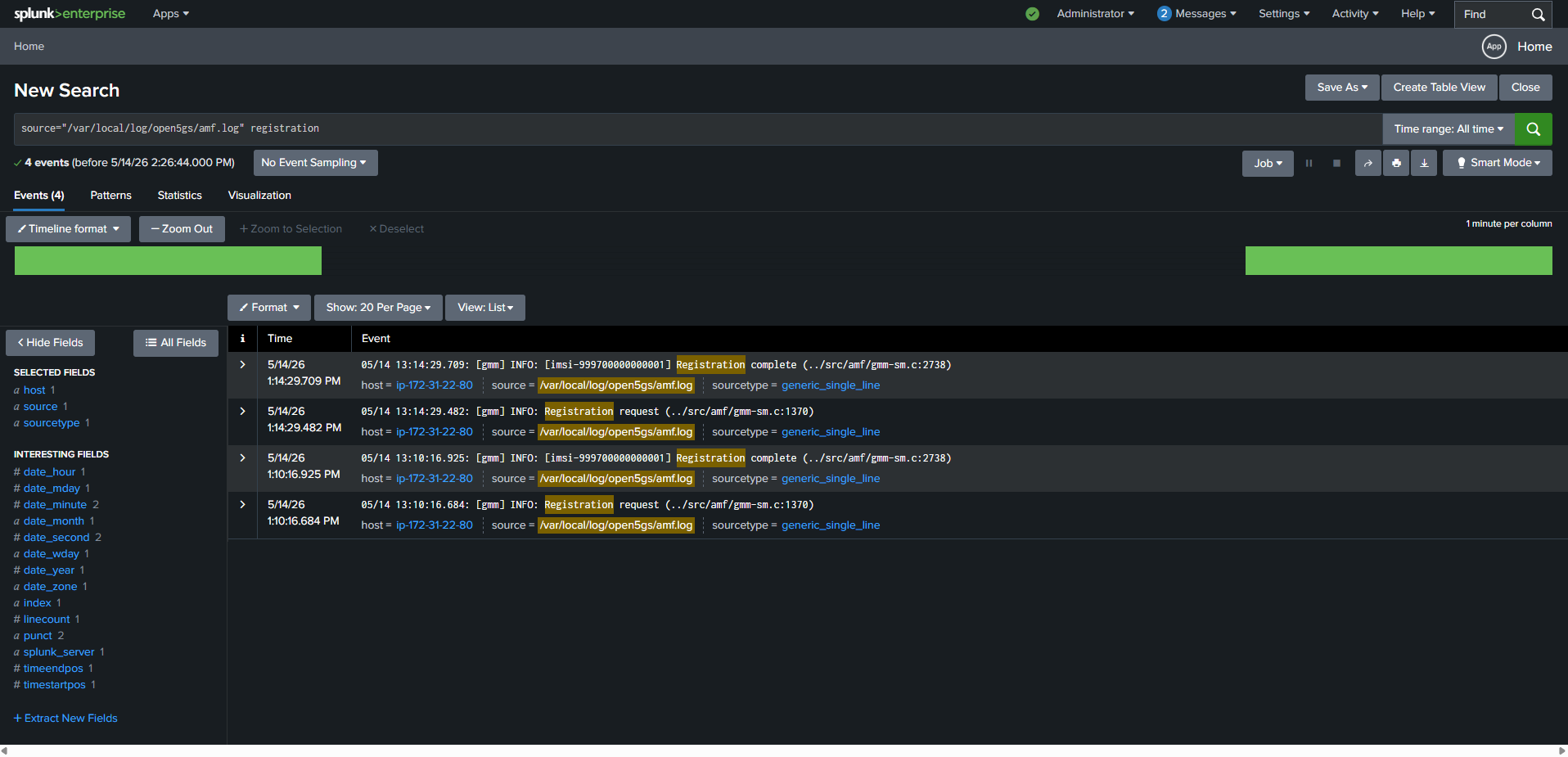
Splunk plays a key role in network operations by providing a unified platform for collecting, indexing, and analyzing logs from distributed network functions. In 5G architectures, where components like AMF, SMF, UPF, PCF, and gNodeB generate large volumes of signaling and operational data, Splunk enables real‑time visibility into system behavior. Engineers can search events instantly, identify anomalies, build dashboards for KPIs, and accelerate troubleshooting. This transforms raw Open5GS and UERANSIM logs into actionable operational intelligence.
1. Booting the Server (AMI V04)
- Launch EC2 instance from Open5GS AMI V04
- Set timezone:
sudo timedatectl set-timezone Australia/Sydney
timedatectl
2. Initial Health Checks
- Verify Open5GS MongoDB health
- Verify WebUI availability
- Log in to the Open5GS WebUI
- Open required EC2 ports:
| Port | Purpose |
|---|---|
| 8000 | Splunk WebUI |
| 9999 | UERANSIM gNodeB |
3. Preparing Log Files
Observed around 3.65GB of accumulated logs.
Resetting all Open5GS logs for a clean session:
truncate -s 0 /var/local/log/open5gs/*.log
4. Bringing Up the First 8 Nodes
~/open5gs-lab.sh
sudo setcap cap_net_admin=eip /usr/local/bin/open5gs-upfd
bash ~/launch-upf.sh

tmux set -g mouse off
4. Bringing Up the Remaining 3 Nodes
bash ~/launch-open5gs.sh
5. Starting UERANSIM (UE + gNodeB)
bash ~/tmux-ueransim.sh
6. Modifying AMF Configuration & Restarting AMF
sudo nano /etc/open5gs/amf.yaml
/usr/local/bin/open5gs-amfd -c /etc/open5gs/amf.yaml | tee ~/open5gs-logs/AMF.log
7. Modifying gNodeB Configuration & Restarting gNodeB
sudo nano ~/UERANSIM/config/open5gs-gnb.yaml
~/UERANSIM/build/nr-gnb -c ~/UERANSIM/config/open5gs-gnb.yaml | tee ~/ueransim-logs/gNB.log
8. Modifying UE Configuration & Restarting UE
sudo nano ~/UERANSIM/config/open5gs-ue.yaml
sudo ~/UERANSIM/build/nr-ue -c ~/UERANSIM/config/open5gs-ue.yaml | tee ~/ueransim-logs/UE.log
9. Switching Off UE
cd ~/UERANSIM/build
./nr-cli imsi-999700000000001 -e "deregister switch-off"
10. Useful Monitoring Commands
./nr-cli UERANSIM-gnb-999-70-1 -e "ue-list"
./nr-cli UERANSIM-gnb-999-70-1 -e "ue-count"
./nr-cli UERANSIM-gnb-999-70-1 -e "status"
./nr-cli UERANSIM-gnb-999-70-1 -e "info"
./nr-cli UERANSIM-gnb-999-70-1 -e "amf-info"
./nr-cli --dump
11. Installing Splunk Enterprise
sudo su
cd /opt
wget -O splunk-10.0.0.deb "https://download.splunk.com/products/splunk/releases/10.0.0/linux/splunk-10.0.0-e8eb0c4654f8-linux-amd64.deb"
dpkg -i splunk-10.0.0.deb
apt-get install -f
/opt/splunk/bin/splunk start --accept-license
/opt/splunk/bin/splunk enable boot-start
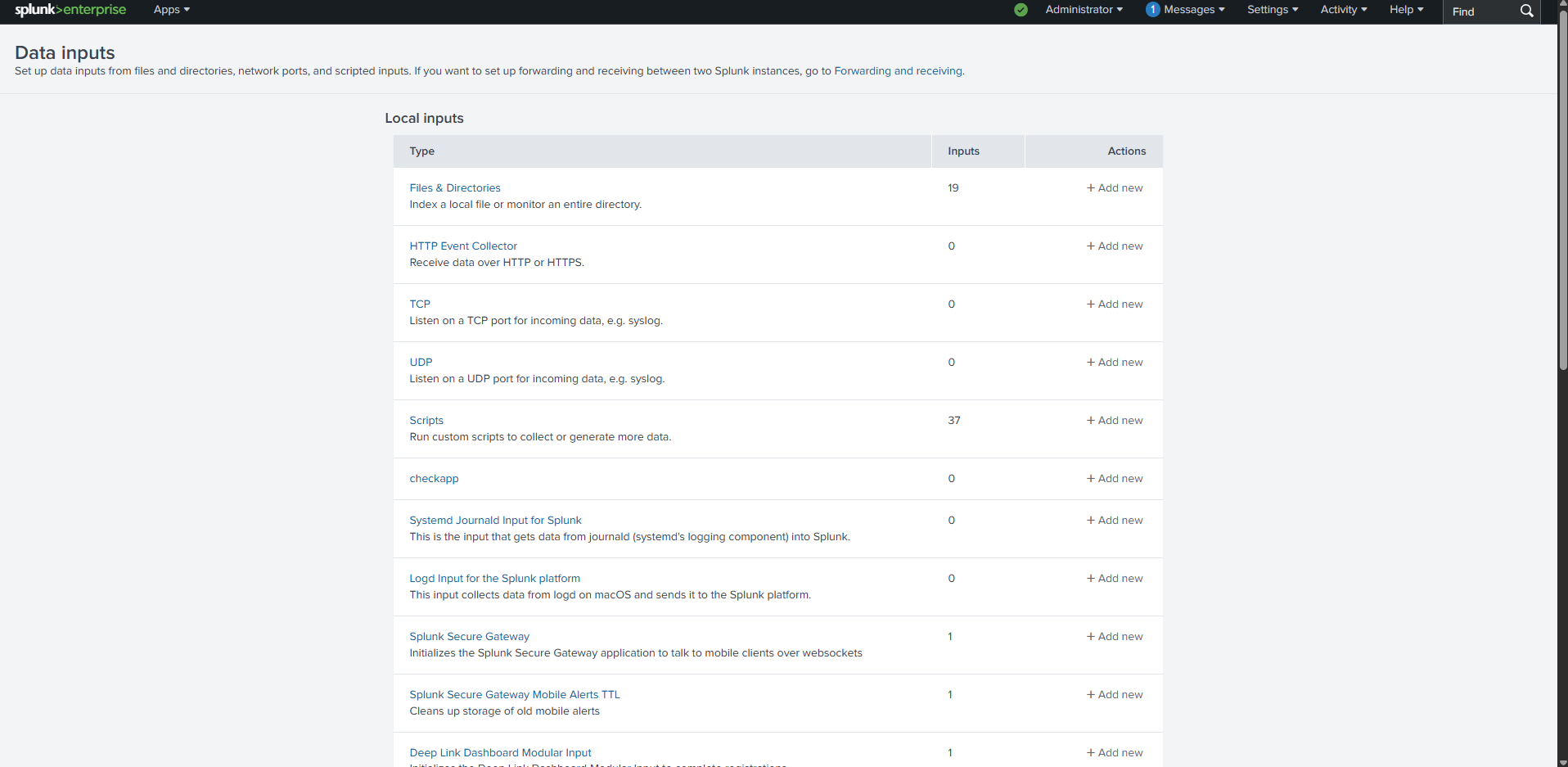
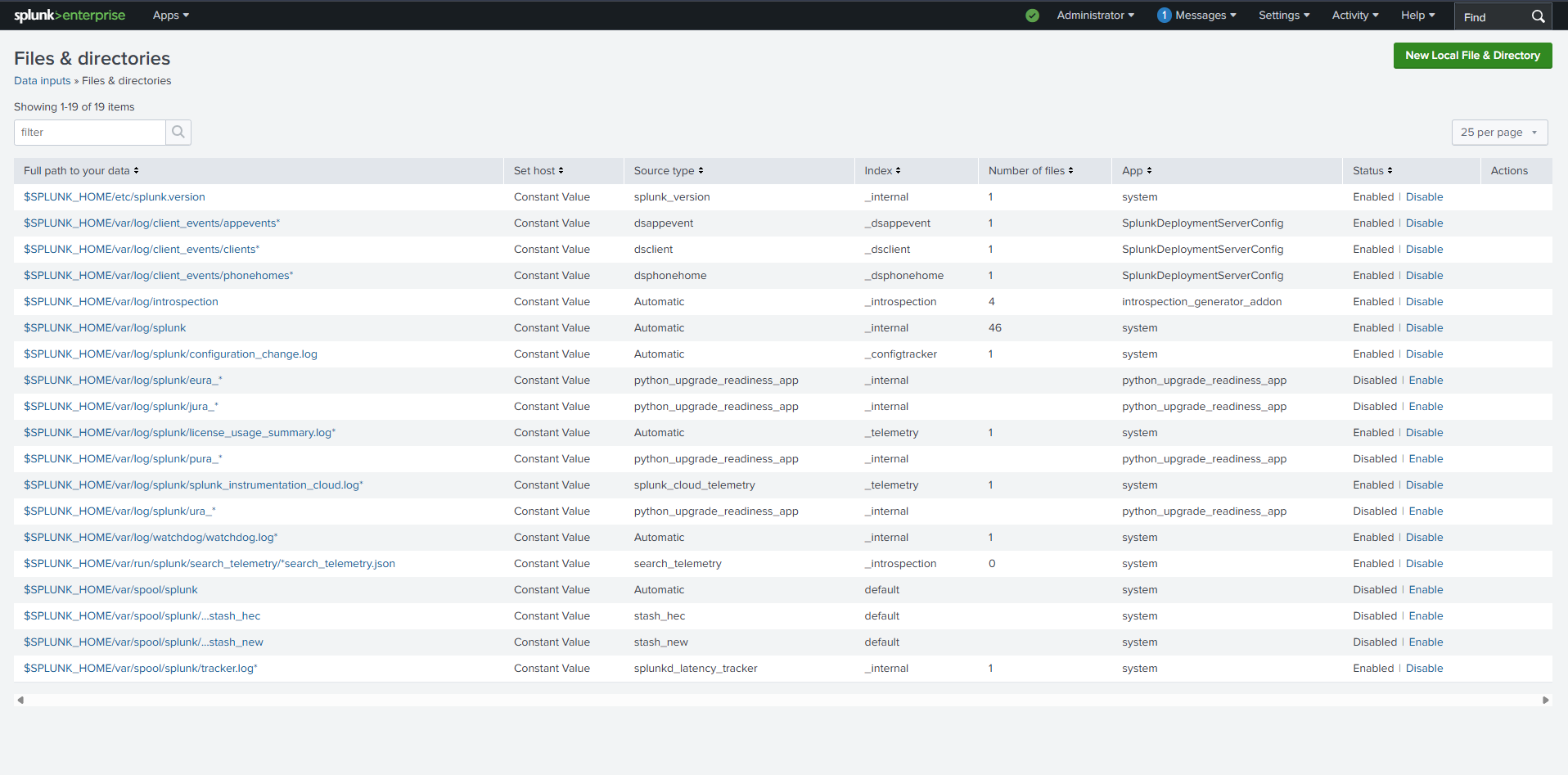
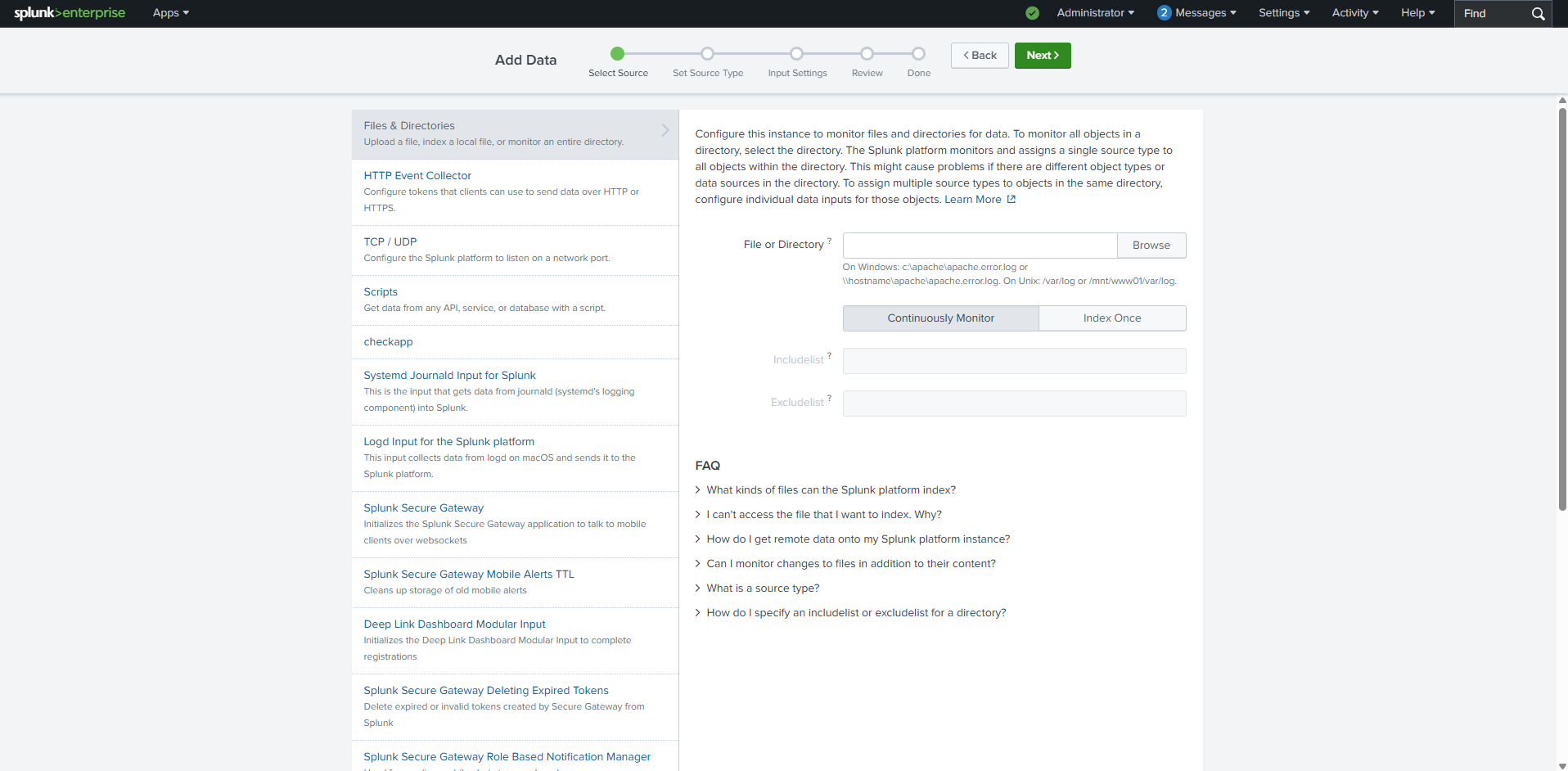
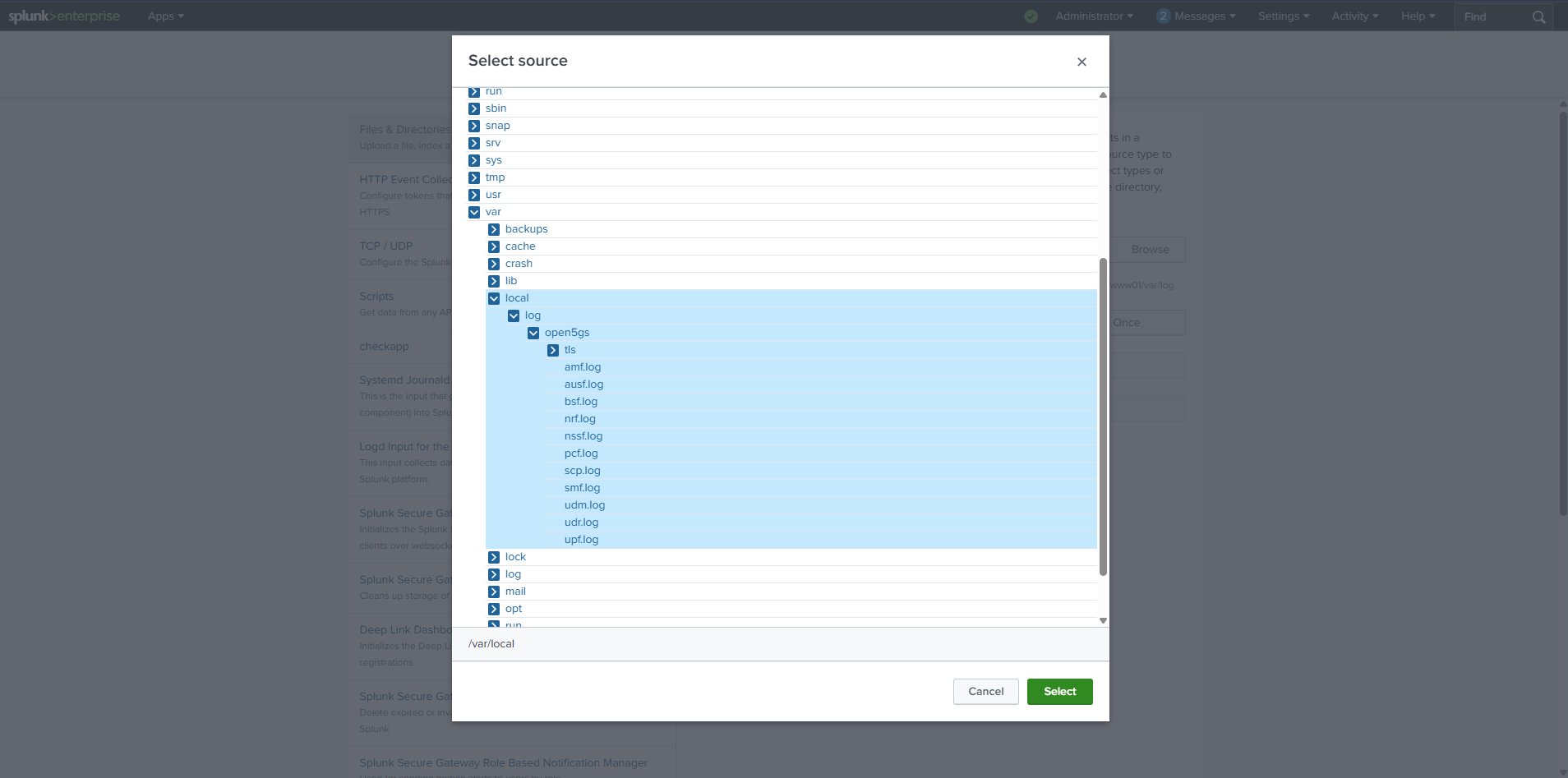
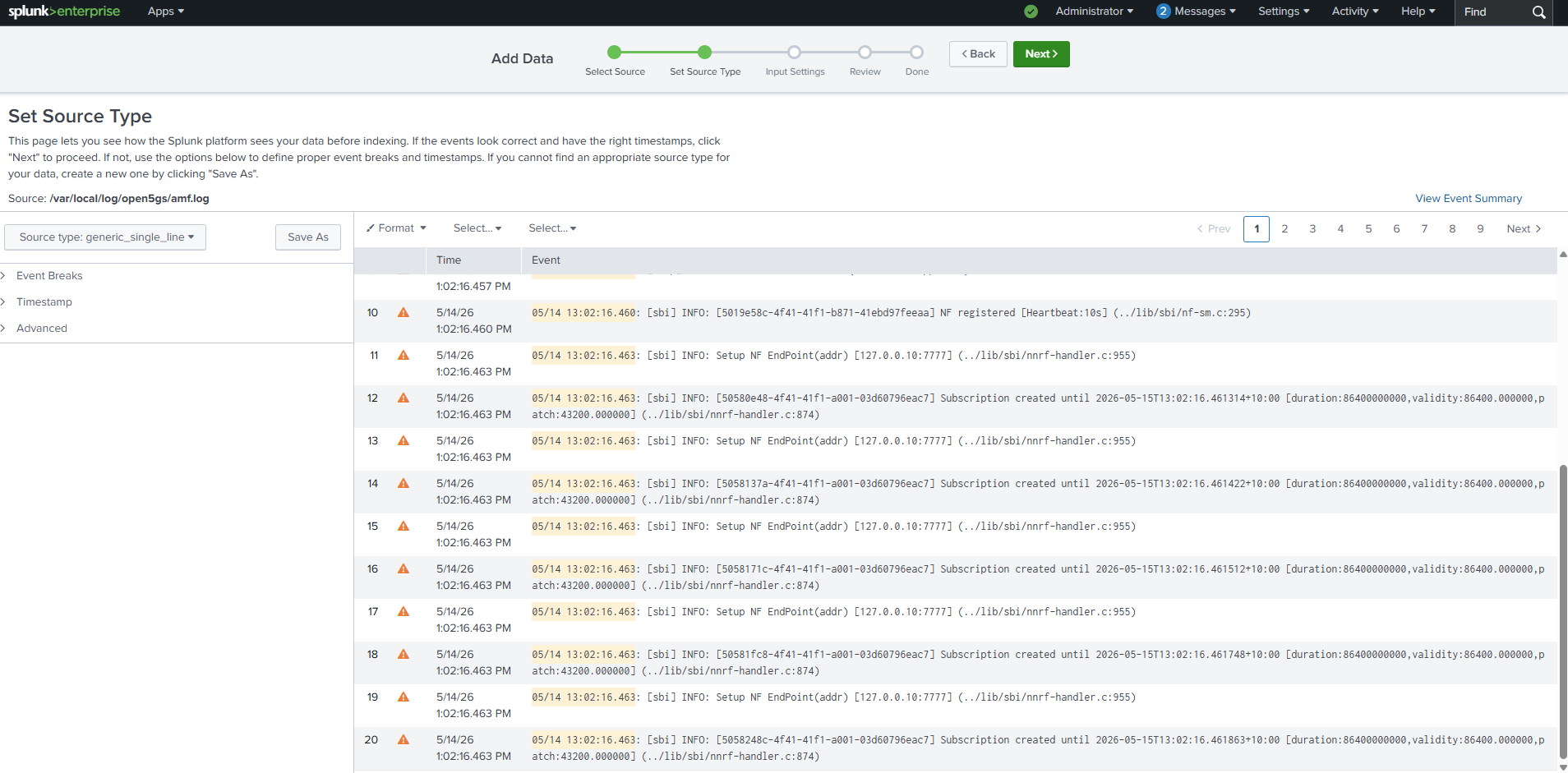
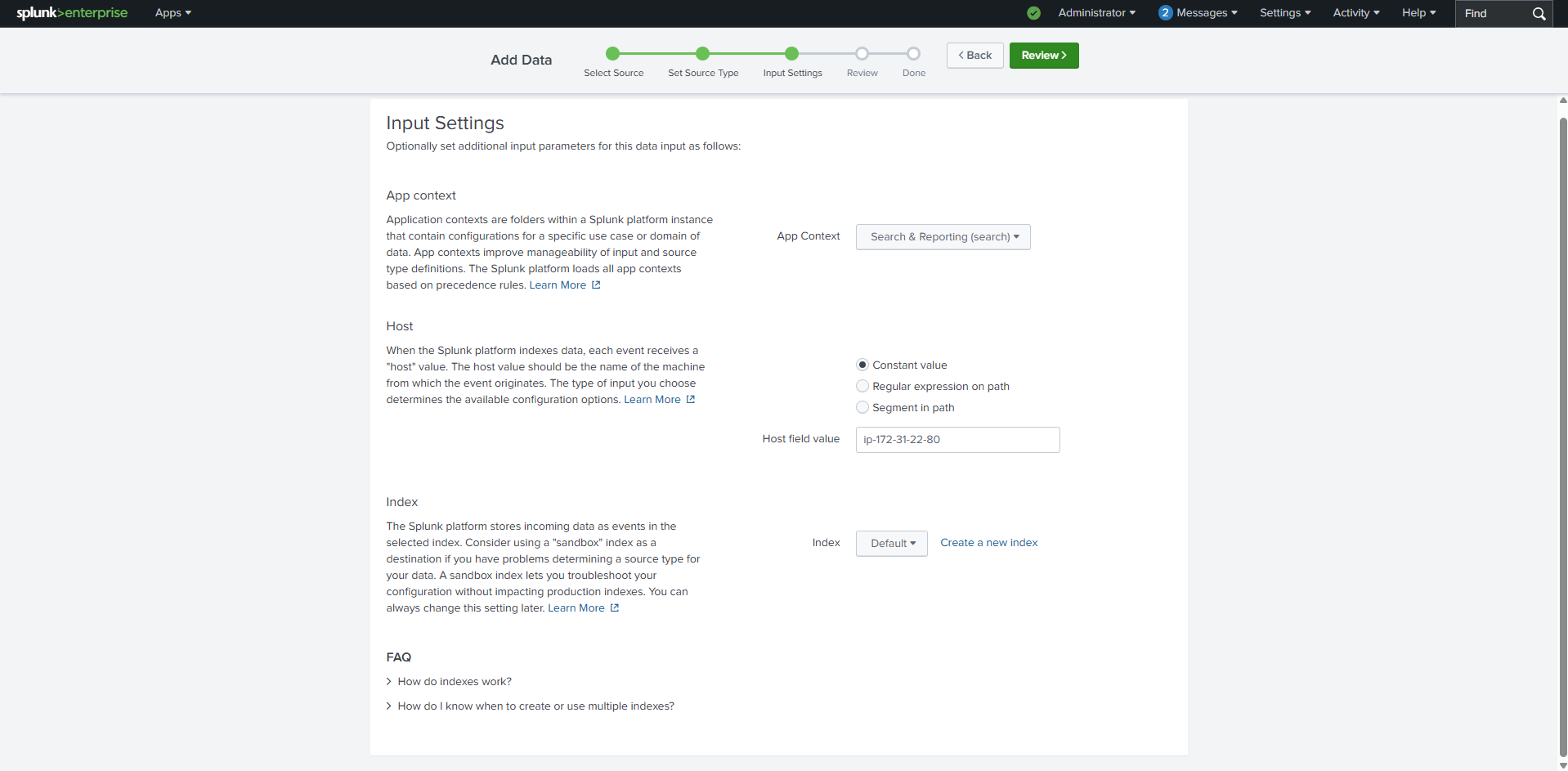
12. Adding Open5GS Logs to Splunk
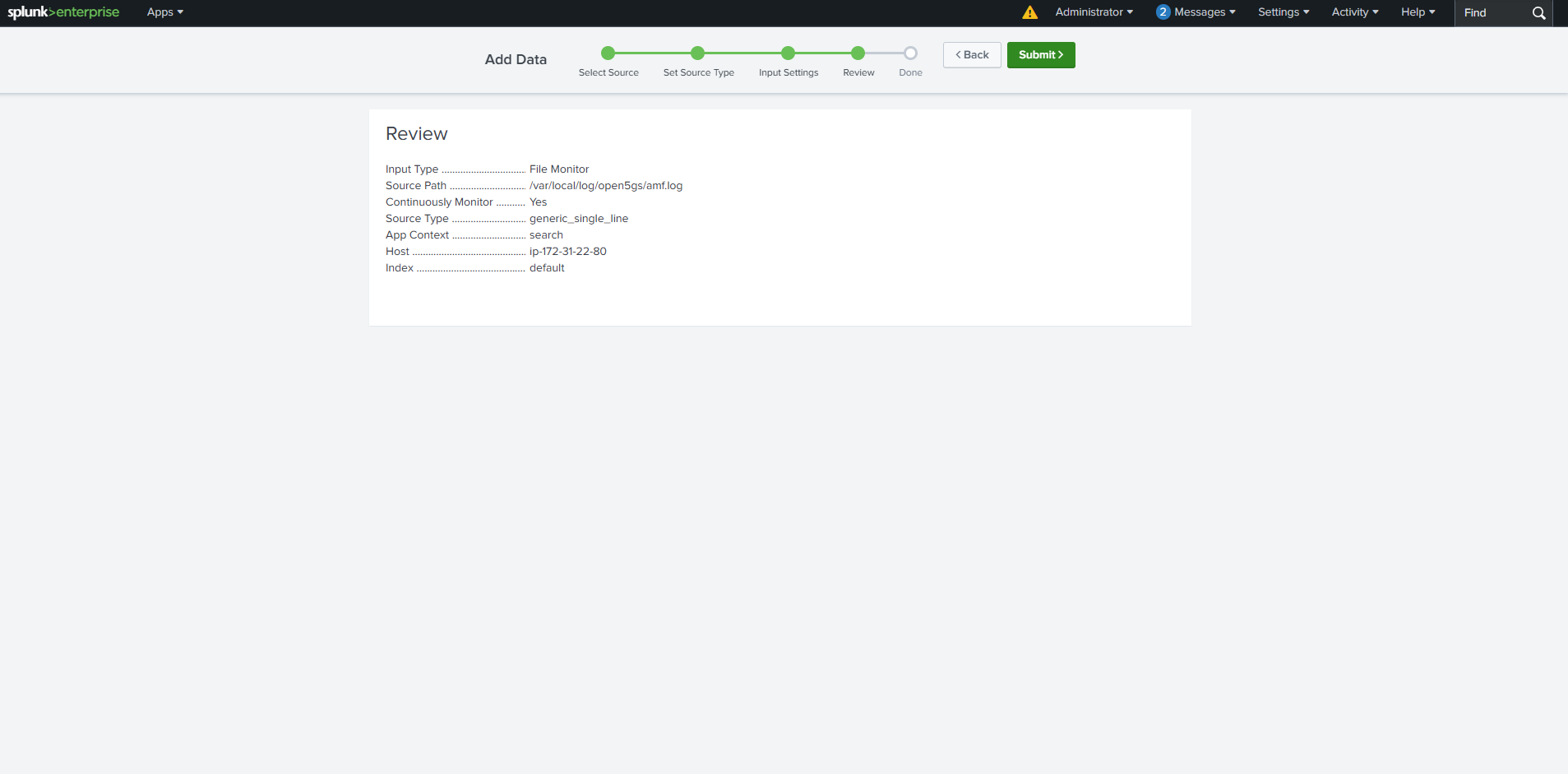
AMF Log Input, File: /var/local/log/open5gs/amf.log, Monitor: Continuously, Source Type: generic_single_line, App Context: search, Host: EC2 hostname, Index: default
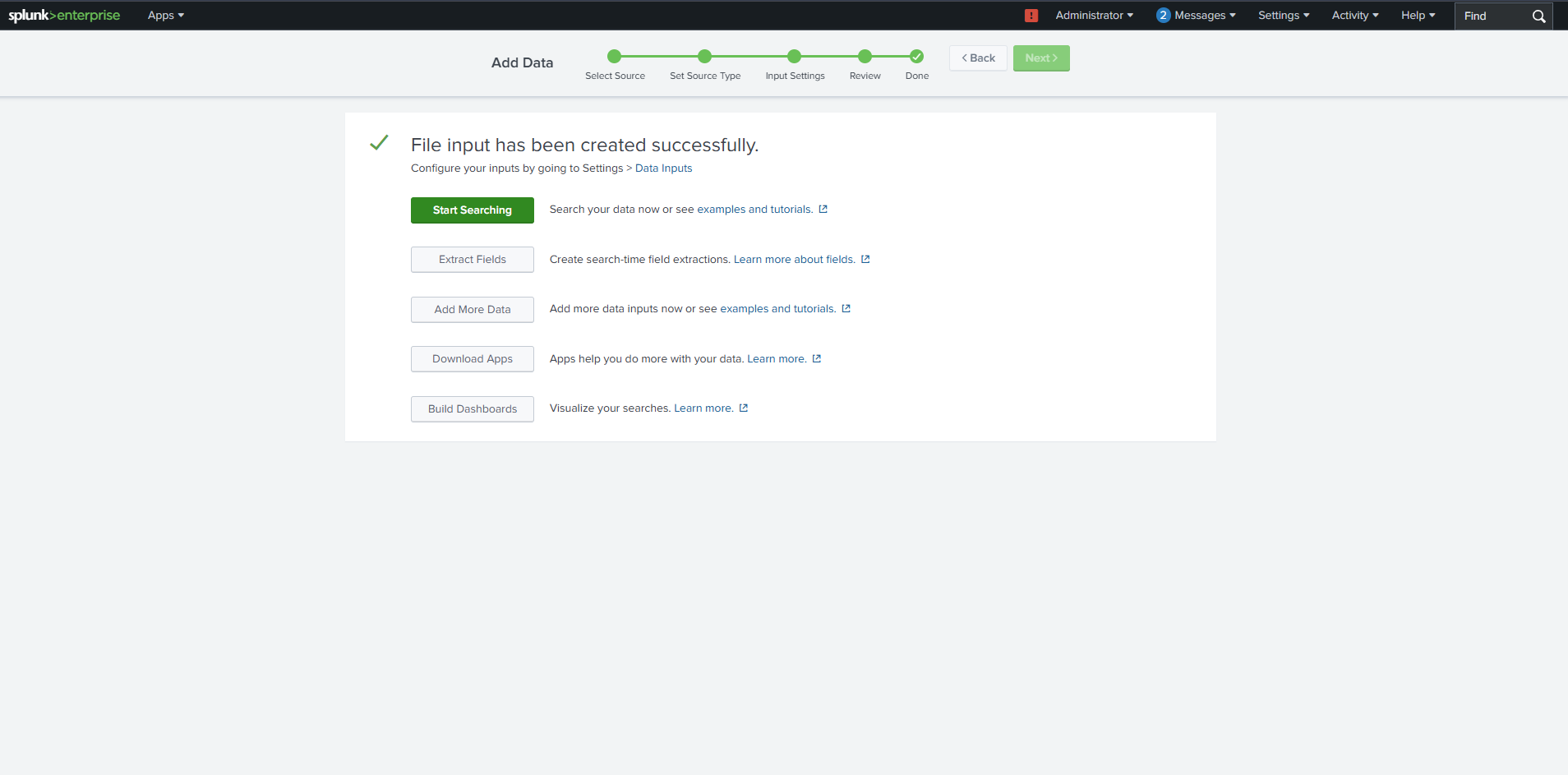
13. Splunk Input Successfully Created
Splunk is now indexing Open5GS + UERANSIM logs and ready for:
Searching, Field extraction, Dashboard creation, KPI visualization